Open the setting
In the app, open Storefront. Under Preview settings, find 3D and AR.
Choose where 3D and AR show
Select On to show 3D and AR beside the photo of the wall and the rooms. Select 3D and AR only to make the button open 3D and AR directly. Select On for chosen products to show them only on the products that you choose in the next step. The change is saved at once.
On the Free and Basic plans, the trial starts when you first select a choice other than Off, and the card shows the date when it ends. Each shop gets one trial.
Choose for one product
Open Products and click the product. Under 3D and AR, choose Show 3D and AR for this poster or No 3D or AR for this poster. Follow the shop setting uses the setting of step 2. Click Save.
With On for chosen products, only the products set to Show 3D and AR for this poster show them. No 3D or AR for this poster wins over every shop setting.
Check it on your store
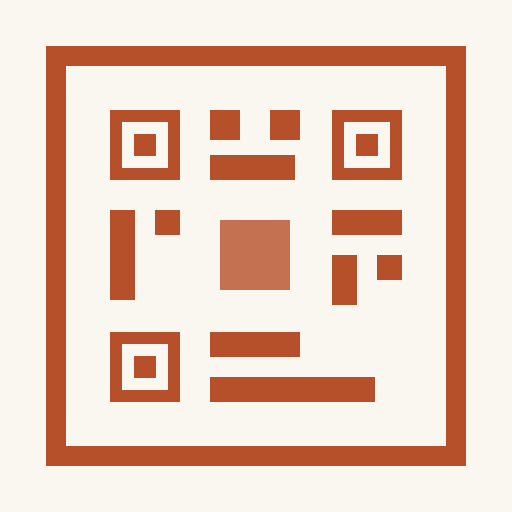
Open a product page and click the button. With On, the first screen has See in 3D, and the preview has the View in AR icon. With 3D and AR only, the button opens the 3D view directly. On a computer, the 3D view has a QR code that opens the poster in AR on your phone.
Each poster that a shopper opens in 3D or AR counts as one poster view, from the same allowance as the preview. Analytics shows them as AR views.
When 3D and AR do not show
- A shopper does not see See in 3D or View in AR.Check that 3D and AR is not Off and that the AR trial has not ended. With On for chosen products, the product must be set to Show 3D and AR for this poster. A product set to No 3D or AR for this poster never shows them.
- A phone shows This device cannot show AR, or the button does not show.AR needs Safari or Chrome on an iPhone, or Chrome on an Android phone. The browsers inside Instagram, Facebook and TikTok cannot show AR. With 3D and AR only, such a phone shows a message or no button. With On, it shows the photo of the wall and the rooms.
- The poster in AR does not have the exact size.The size in AR is approximate, and shoppers can change it with two fingers. For the exact size, shoppers use a photo of their wall, which shows the poster at its true size.
- The card says AR is part of the Premium plan.The AR trial of the shop has ended, or the shop moved from Premium to a lower plan. Upgrade to show AR again. Until then, shoppers see the photo of the wall and the rooms, with no message.
Need help?
Tell us which product and which step, and we will help. Email support@seeonwall.com.